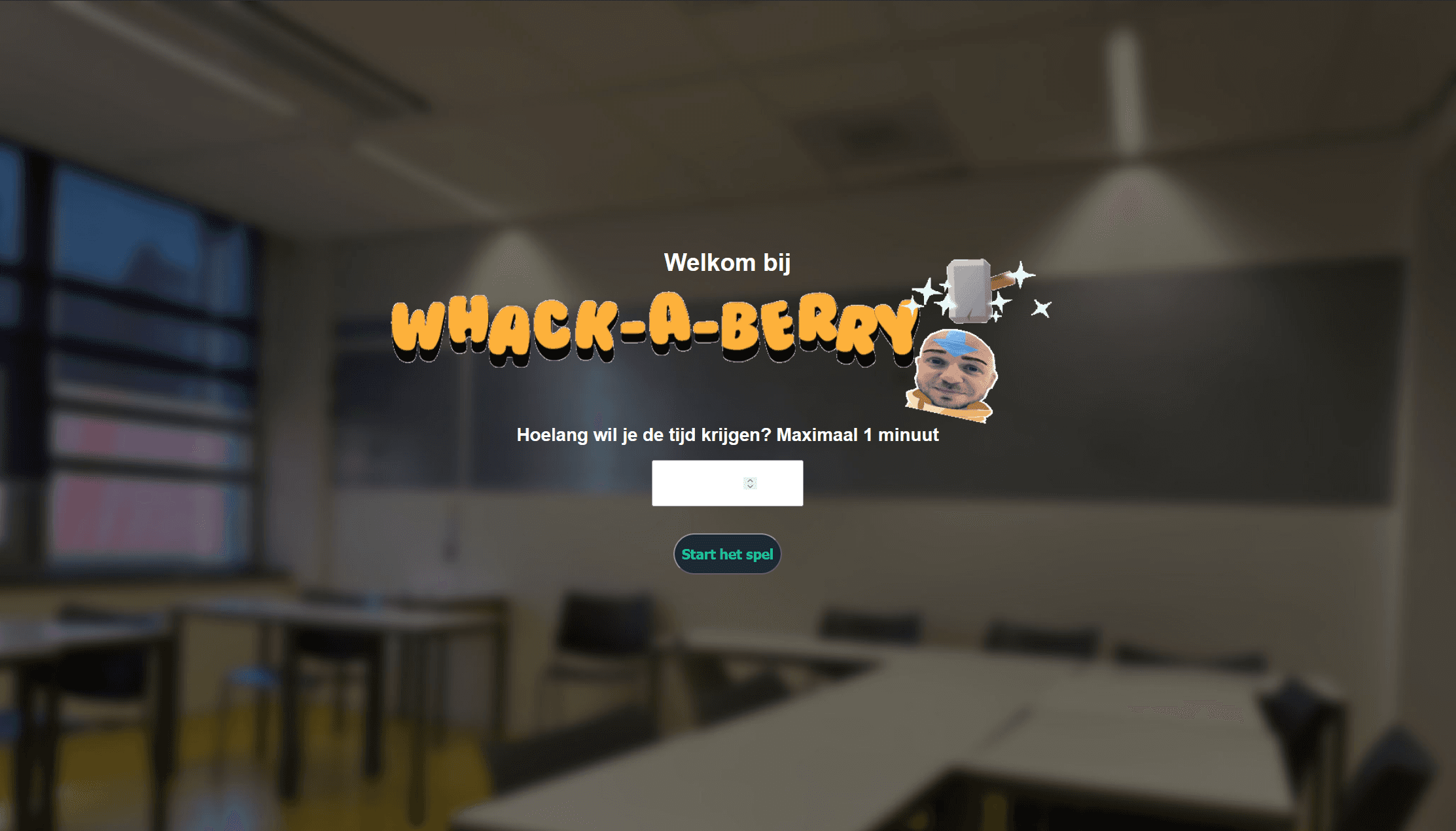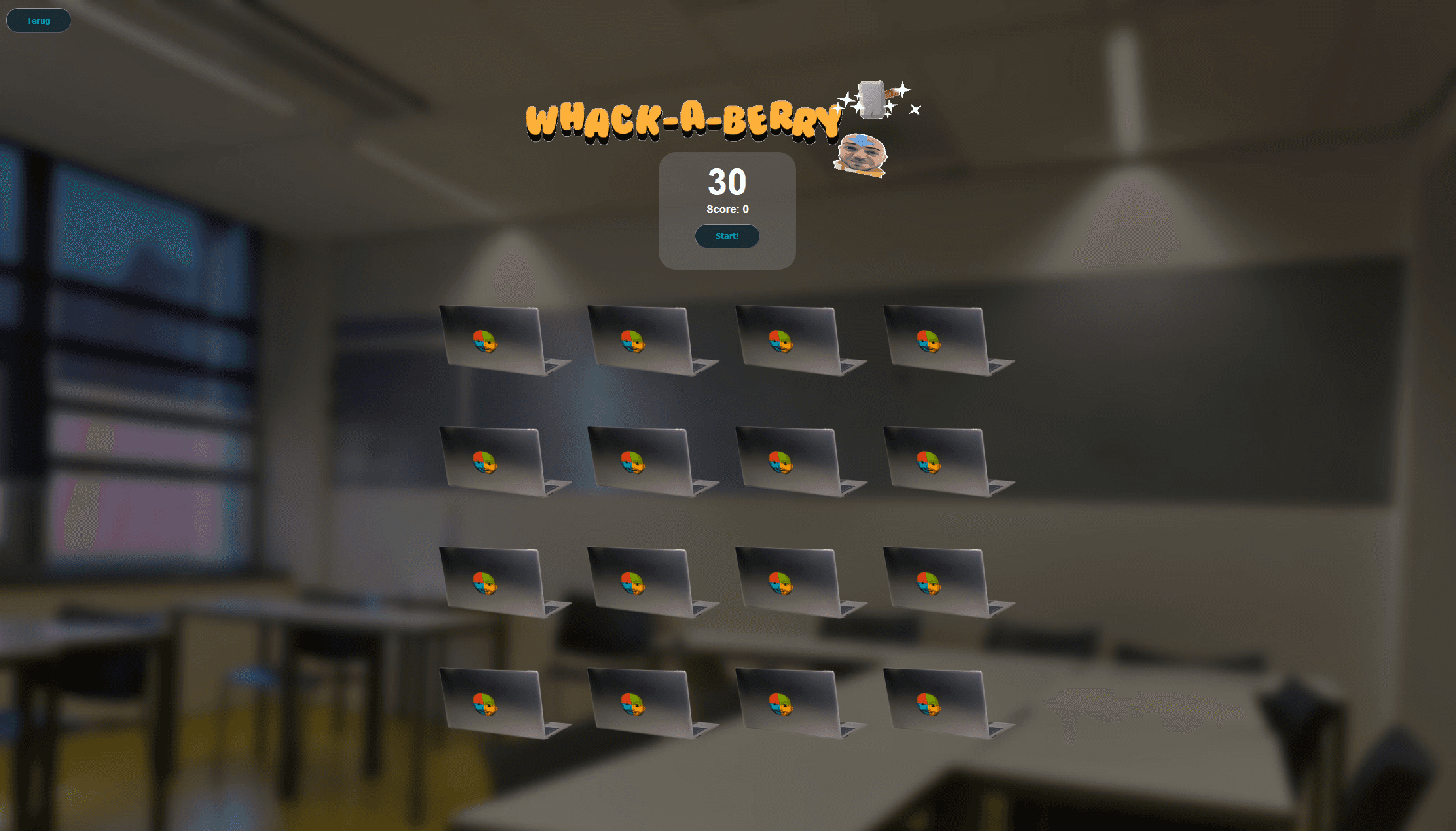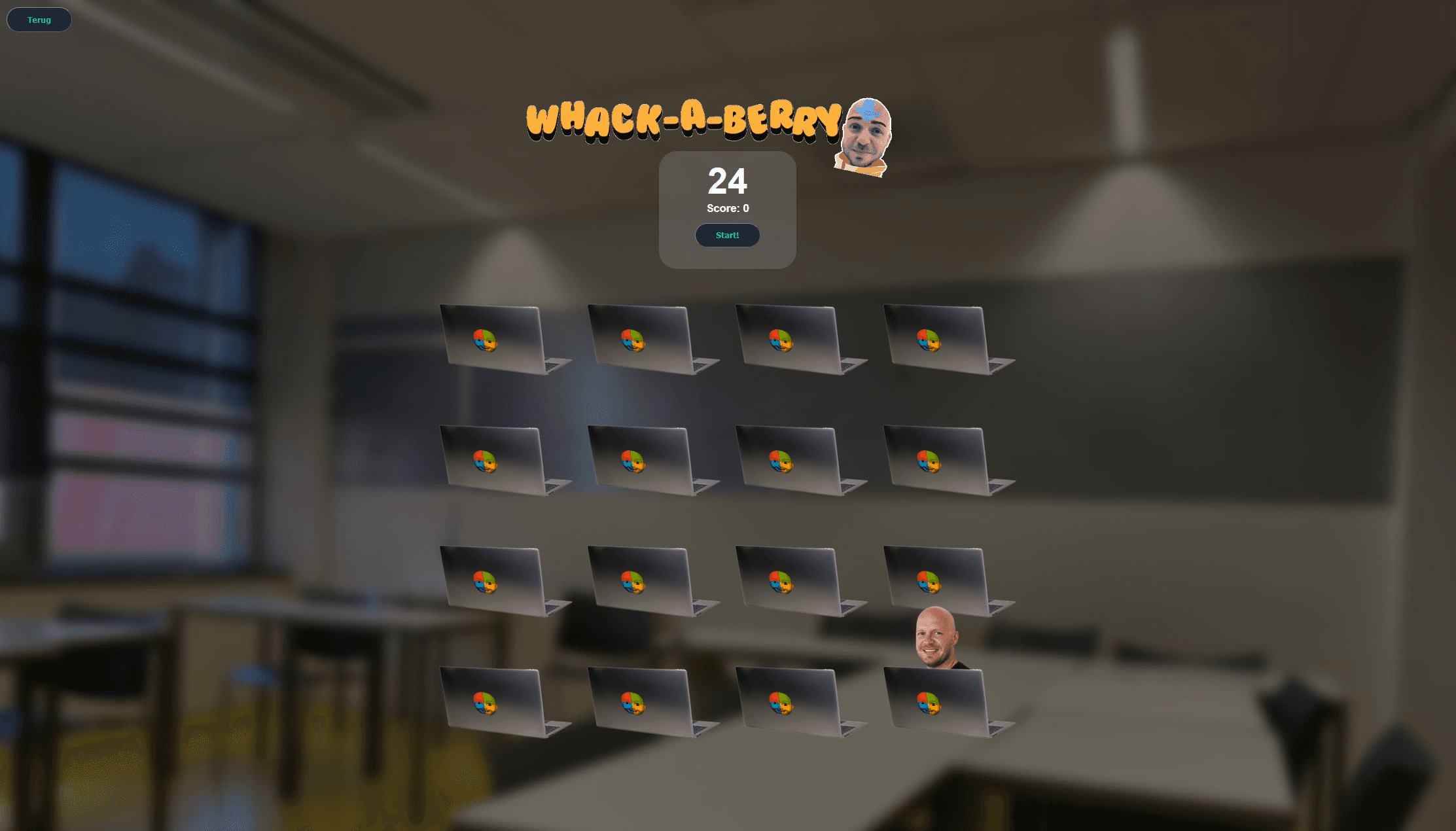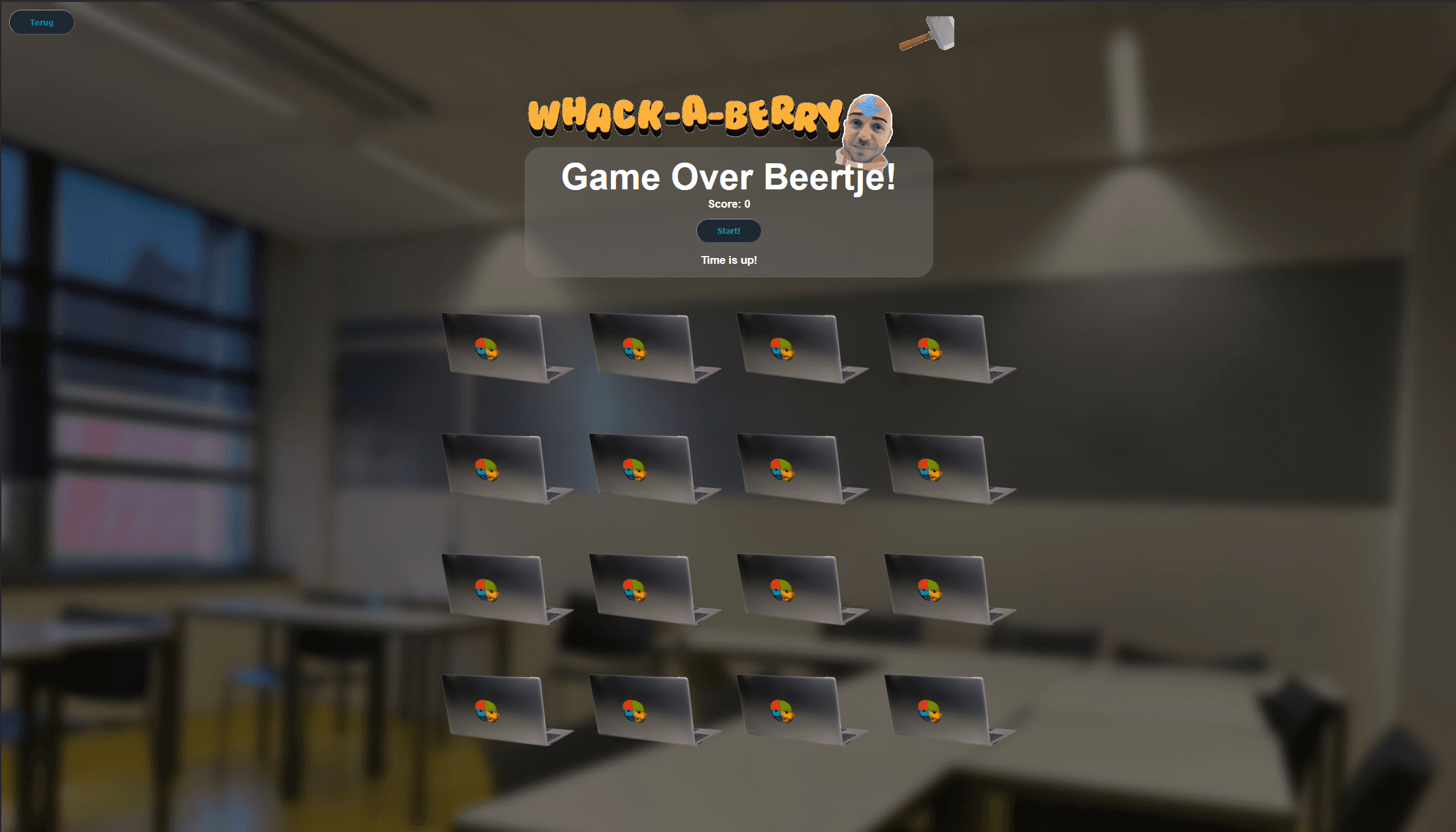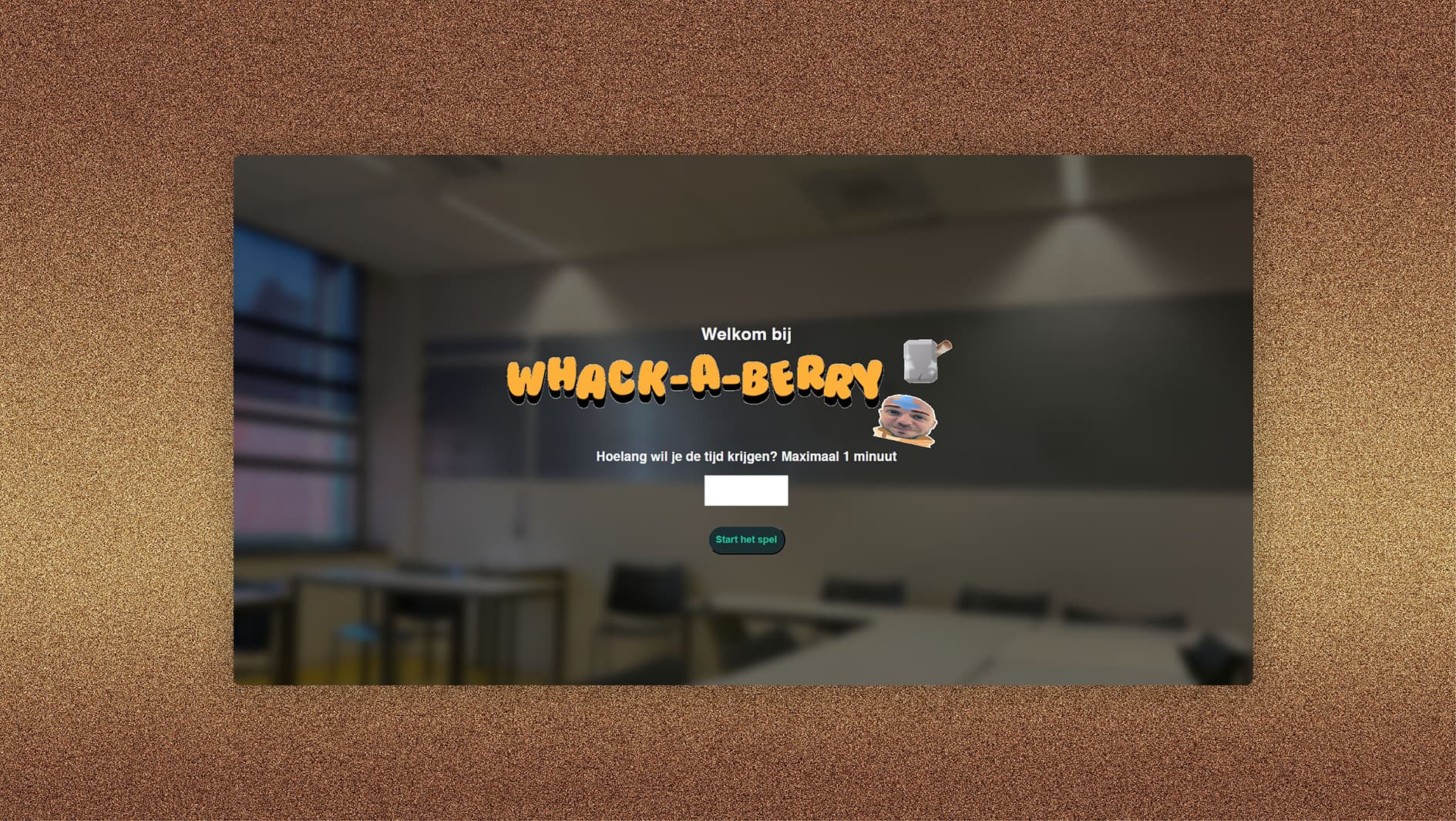
overview
A browser‑based Whack‑A‑Mole game built with vanilla JavaScript, HTML, and CSS to practice DOM manipulation. Introductory course to Javascript. I chose to make a whack-a-mole game. The idea behind it is that you have some CSS classes with visibility styling for the game board and heads, and use Javascript to apply and remove those classes based on some rules. (like when you hit a head, or the timer runs out)
goal
- Semantic HTML, CSS & Javascript code
- Experimenting with Javascript DOM manipulation
- Understanding how the DOM structure/javascript fundamentally works
code snippets
function endGame() { gameStarted = false; backgroundmusic.pause(); backgroundmusic.currentTime = 0; //backgroundmusic opgezocht https://stackoverflow.com/questions/17636310/play-audio-and-restart-it-onclick clearInterval(berrySpawnInterval); clearInterval(timer); timerDisplay.textContent = "Game Over Beertje!"; gameoveraudio.play(); const berrys = document.querySelectorAll(".berry"); berrys.forEach(function (berry) { berry.style.visibility = "hidden"; berry.classList.remove("avatarBerry"); }); let result = document.getElementById("result"); result.textContent = "Time is up!"; result.style.visibility = "visible";}The logic that should apply when the game ends, basically resetting the game state and hiding all berry's
function spawnBerry() { const berrys = document.querySelectorAll(".berry"); berrys.forEach((berry) => { berry.style.visibility = "hidden"; berry.classList.remove("avatarBerry"); berry.classList.remove("peek"); }); berry = berrys[Math.floor(Math.random() * berrys.length)]; if (Math.random() < 0.1) { berry.classList.add("avatarBerry"); } berry.classList.add("peek"); berry.style.visibility = "visible";}The logic that should apply when a berry is spawned, including randomization. This function primarily serves to apply the appropriate CSS classes to the berry's.
.hole::after { content: ""; position: absolute; top: 0; left: 0; width: 100%; height: 100%; background-image: url('images/laptop.png'); background-size: contain; background-repeat: no-repeat; background-position: center bottom; z-index: 2; pointer-events: none;}CSS Class for the holes (reusable, applied to each), used to modify the game board.
result